

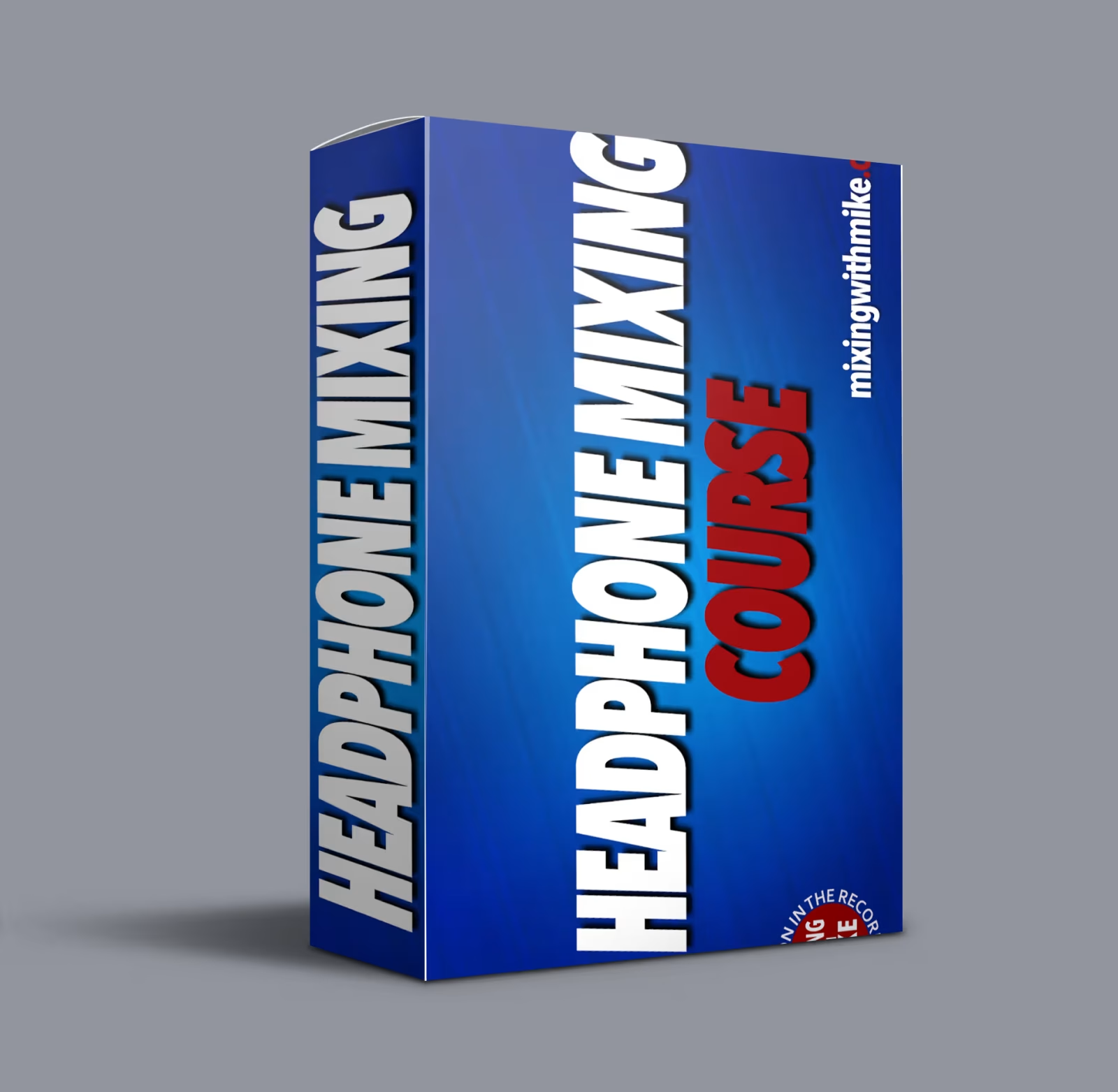

Headphone Mixing Course
The Headphone Mixing Course is built to give you the essential skills for putting together professional-sounding mixes on headphones. Whether you mostly work on speakers or you mix exclusively on cans, this course teaches you how to create mixes that translate to both without guesswork.
Class 1: Mixing With Headphones
Headphones give you plenty of advantages over speakers, but they also come with some inherent issues you need to understand before they become an effective mixing tool. This class starts with the basics.
- Headphone History & My Experience With Headphones
- Types of Headphones
- Impedance and Sensitivity
- Head Related Transfer Function (HRTF)
- Assessing Your Headphones
Class 2: Headphone Software
This class wades through the available headphone enhancement software and how to integrate it into your mixing workflow.
- Headphone EQ Calibration Software
- Basic Binaural Compensation Software
- Mix Room Simulation Software
- Monitor Simulation Software
- Strategies for Integrating Headphone Software
- Bonus Content Reviews: Re-Head, CanOpener, Waves NX, Abbey Road Studio 3, Ocean Way Nashville, CLA NX, Immerse by Embody, dSONIQ Realphones, dearVR Monitor
Class 3: Listening Exercises for Headphones
It’s not enough to just listen to commercial productions on your headphones. You need to become consciously aware of imaging, depth, and separation characteristics. Whatever headphone model you use, understanding them with the most intimate detail is essential to making solid mix decisions.
- The Sound Field Inversion Principle of Headphones
- The Headphone Monitoring Playlist
- Frequency Response Characteristics
- Compression Characteristics
- Depth and Space Characteristics
- Integrating Headphone Software
Class 4: The Primary Sound Field (Levels and Panning)
This class kicks off the actual mixing process by teaching you how to translate level and pan decisions through headphones.
- Headphone Tuning Exercise 1: Sound Field Perception
- Levels and the Front-Back Sound Field
- Panning and Width Adjustments
- Integrating Monitoring Software
- Balancing Adjustments Between Headphones and Speakers
Class 5: Frequency Balancing for Headphones (Equalization)
Frequency balancing is probably the toughest technique to nail on headphones. The proximity of the drivers to your eardrums creates a false sense of density, especially in the lower frequency range. This class hones in on those issues and how they affect your perception of the whole frequency spectrum.
- Headphone Tuning Exercise 2: Frequency Balance and Height Perception
- The Bottom Up Approach to Equalization in Headphones
- Low and Low Mid Frequency Equalization Techniques
- Midrange Equalization Techniques for Localization
- Balancing the High Frequency Spectrum
Class 6: Density and Imaging Quality (Compression)
Density and imaging characteristics translate differently through headphones than they do through speakers. This class zeroes in on those differences and how to get your mix working in both worlds.
- Headphone Tuning Exercise 3: Density and Imaging Perception
- Primary Sound Field Placement with Compression
- Stabilizing Compression Techniques
- Parallel Compression Techniques
- Saturation Techniques for Density and Imaging
Class 7: Creating Space in Headphones (ER, Reverb and Effects)
Speakers put a sense of space mostly in front of you. Headphones drop the listener right in the center of the experience. Understanding the Sound Field Inversion Principle is critical when you’re creating space with early reflections, reverb, and effects.
- Space and the Sound Field Inversion Principle
- Headphone Tuning Exercise 4: The Perception of Space
- Early Reflections in Headphones (Creating Space)
- Reverb in Headphones (Filling the Space)
- Delay Effects in Headphones
- Immersive Enhancements for Headphones
Class 8: Headphone — Speaker Compatibility Adjustments
This class goes into the adjustments and techniques needed to make your headphone mix translate effectively to speakers. If you don’t have physical monitors handy, control room emulation software becomes critical here.
- Headphone Tuning Exercise 5: Control Room Software Monitoring
- Selecting Your Control Room and Speaker Setup
- Translating Level and Pan Settings
- Translating Equalization Settings
- Translating Compression Settings
- Translating ER, Reverb and Effect Settings
- Checking Against Alternate Monitor Setups
Class 9: The Automation Process in Headphones
Automation is what shapes the flow of a production from start to finish. The objectives are the same whether you’re on speakers or headphones, but bridging the translation between the two is key for compatibility.
- Headphone Tuning Exercise 6: Automation in Headphones
- Automation for Foundational Tracks
- Automation for Sectional Tracks
- Automation for Transitional Tracks
- Automation for Lead Instruments
- Automation for Effects
Class 10: Finishing the Mix with Headphones
The final ‘glue’ on any mix lives in the processing of mix stems and the mix buss. Rolling headphone and control room monitoring into that process is what finishes the job. This class gets into that integration and what you need to adjust to bridge the gap.
- Mix Stem and Mix Buss Processing Defined
- Harmonic Processing
- Compression
- Equalization
- Using Maximizers
- Final Compatibility Checks
- Headphone Mixing Course Wrapup
✅ What’s Included
- ✓ 10 full video classes covering calibration, levels, EQ, compression, space, automation, and translation
- ✓ 6 headphone tuning exercises to calibrate your ear for each stage of the mix
- ✓ Downloadable PDF workbook with module-by-module exercises
- ✓ Headphone EQ cheat sheet (printable reference)
- ✓ Translation checklist for comparing headphone mixes against speaker playback
- ✓ Bonus software reviews: Re-Head, CanOpener, Waves NX, Abbey Road Studio 3, and more
- ✓ Lifetime access — watch and re-watch at your own pace
- ✓ Works with any DAW and any closed-back or open-back headphones
If you are new to mixing on headphones, we recommend reading the Sound On Sound guide on headphone mixing techniques before diving into the course — it provides a great foundation on how headphone playback differs from speakers. You can also check out the Audinate learning hub for more on audio signal flow if you want to brush up on the fundamentals.
Frequently Asked Questions
The Headphone Mixing Course exists because most people mixing on headphones end up guessing at adjustments that actually have straightforward, teachable answers. A mix that only works in your cans isn’t finished — it’s untested. This course hands you the listening skills, translation checks, and workflow strategies to lock in a mix and move forward. If headphone-only mixing has cost you client revisions or made you second-guess your own tracks, grab the course and put these techniques to use on your next session.
Be the first to review “Mixing With Mike – Headphone Mixing Course”
You must be logged in to post a review.
Related products
Music Video Lessons & Tutorials
Music Video Lessons & Tutorials
Bundle Deals
Music Video Lessons & Tutorials
Reviews
There are no reviews yet.