

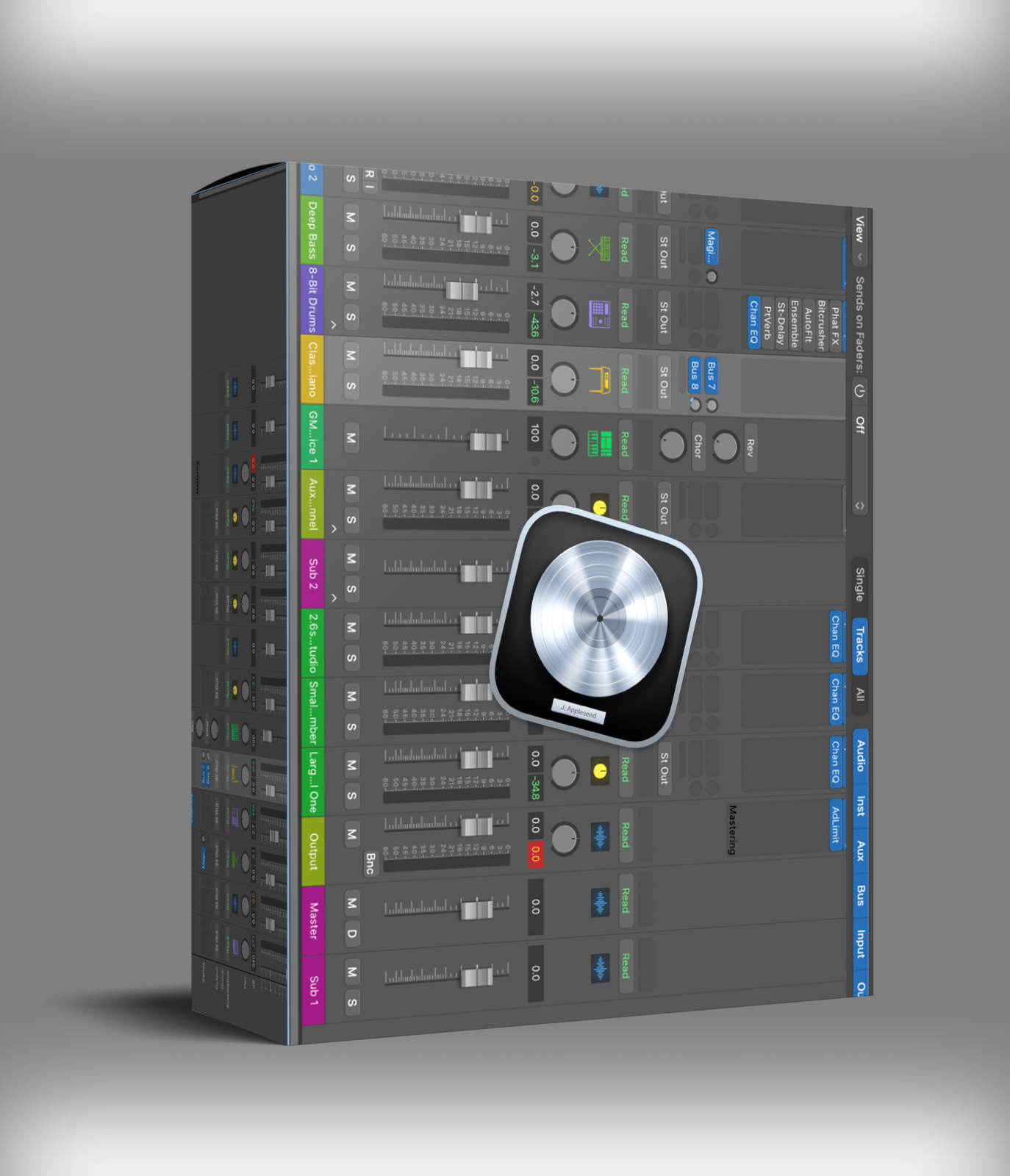

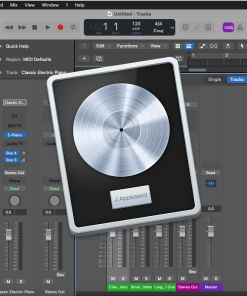
Logic Pro 11.2.0 is Apple’s professional digital audio workstation for macOS. It covers songwriting, beat creation, recording, editing, mixing, and mastering in one application. The interface stays clean whether you run a simple session or a complex orchestral project.
Whether you compose orchestral scores, build electronic beats, or record live instruments, Logic Pro 11.2.0 handles every stage of production. It runs natively on Apple Silicon and connects to GarageBand projects via iCloud for mobile collaboration. You can extend it with third-party AU plugins like those in the Nuro Audio Effects Bundle or use it alongside the Make Believe Studios CGII for mastering.
Key Features of Logic Pro 11.2.0
- ✓ Dolby Atmos authoring suite for immersive 3D audio
- ✓ Live Loops for real-time sketch and arrangement
- ✓ Flex Pitch and Flex Time for tuning and timing control
- ✓ Drummer with virtual session players for multiple genres
- ✓ Alchemy Synth with granular, spectral, and analog modes
- ✓ Smart Tempo for automatic audio-to-project matching
- ✓ Logic Remote control via iPhone or iPad
- ✓ Score Editor for sheet music and orchestral notation
Recording, Editing, and Arrangement
Logic Pro 11.2.0 gives you Flex Pitch and Flex Time for precise vocal and timing correction. Smart Tempo matches imported audio to your project without manual adjustments. Quick Swipe Comping lets you build the best take from multiple recordings fast. Track Alternatives keep your creative options open during arrangement.
Live Loops suits electronic and hip-hop producers who sketch in a clip-based view. You combine loops, samples, and live recordings in real time. When ready, you move the arrangement to the linear timeline.
Drums, Sampling, and Synthesis
The Drummer feature adds virtual session players for rock, hip-hop, electronic, and many other genres. These performers respond to your arrangement. You get convincing drum tracks without programming every hit. Drum Machine Designer lets you build custom kits. The Step Sequencer programs basslines and melodic patterns.
On synthesis, Logic Pro 11.2.0 includes Alchemy with analog, granular, and spectral engines. Sampler and Quick Sampler turn any recording into a playable instrument in seconds. Most production scenarios need no third-party instruments at all.
Guitar, Effects, and Integration
Amp Designer and Pedalboard simulate guitar and bass amp chains inside the DAW. The built-in effects library covers EQs, compressors, reverbs, delays, and modulation. Logic Pro supports Audio Units (AU) for third-party plugin expansion. It exports Dolby Atmos ADM files for Apple Music and connects directly to SoundCloud. For more, visit the Apple Logic Pro page.
Compare Logic Pro Versions
We offer every major Logic Pro version to suit different budgets and needs:
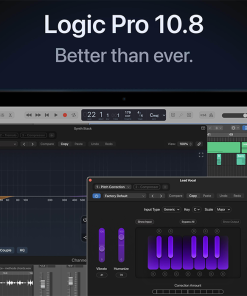
- Logic Pro 10.8.1 – The most affordable option for users who need a stable, proven DAW
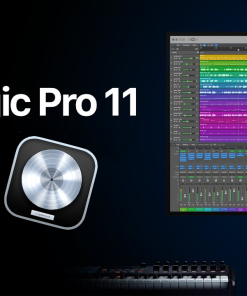
- Logic Pro v11.0.1 – The first Logic 11 release with enhanced performance and stability
- Logic Pro 11.1.0 – Features AI-powered Session Players and advanced spatial audio tools
System Requirements
- • macOS: 14.4 or later
- • Storage: 6 GB minimal; 72 GB for full sound library
- • Languages: English, French, German, Japanese, Simplified Chinese, Spanish
- • Plugin Support: Audio Units (AU)
Logic Pro 11.2.0 – Frequently Asked Questions
Does Logic Pro 11.2.0 run on Windows?
Logic Pro 11.2.0 runs on macOS only. It requires macOS 14.4 or later. Windows users need a different DAW. Ableton Live and Studio One are common cross-platform alternatives.
Does Logic Pro support third-party VST plugins?
Logic Pro uses Audio Units (AU), not VST. Most major plugin developers release AU versions of their products. Check that your preferred plugins offer AU format before purchasing Logic Pro.
What changed in Logic Pro 11.2.0?
Logic Pro 11.2.0 brings performance improvements, core tool refinements, and updated Dolby Atmos workflows. Visit the official Apple Logic Pro page for the full release notes. Apple publishes detailed changelogs with every update.
Can I collaborate with other producers in Logic Pro?
Yes. Logic Pro connects to GarageBand via iCloud. You send and receive projects with collaborators on iPhone or iPad. It also supports Final Cut Pro XML for video scoring and exports directly to SoundCloud for fast sharing.
Logic Pro 11.2.0 is one of the best-value professional DAWs for macOS users. It combines a comprehensive toolset with a refined interface that suits both beginners and working professionals.
Be the first to review “Logic Pro 11.2.0”
You must be logged in to post a review.
Related products
DAW'S
DAW'S
DAW'S
DAW'S
Reviews
There are no reviews yet.